404 errors and 301 redirects, how not to lose customers or Google rankings
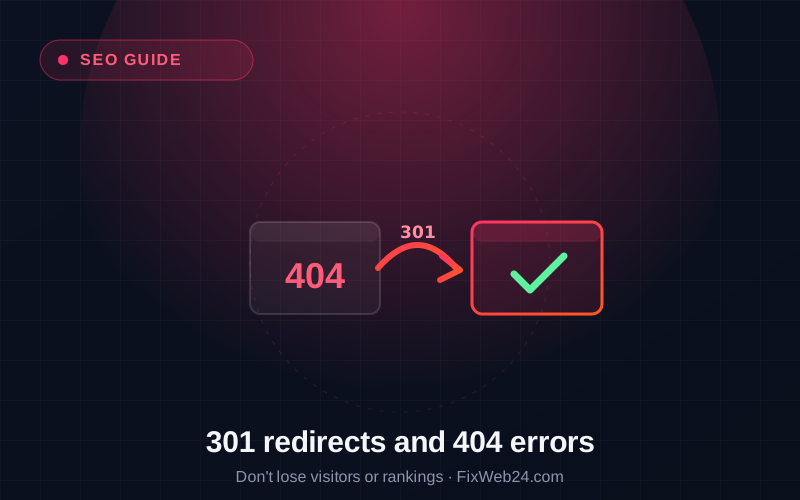
You refreshed the site, changed the structure, deleted an outdated offer, and suddenly some links lead nowhere. A customer clicks and sees "404, page does not exist". It is not just an annoyance: every such dead end is a lost visitor and a signal that weakens your Google ranking. Fortunately there is a simple tool that solves this: the 301 redirect. Let us explain both terms.
What a 404 error is
404 is the "page not found" message. The browser asks the server for a specific address, and the server replies: "there is no such page here". The most common causes:
- you deleted a page (e.g. an old offer or post),
- you changed a page's address (e.g. during a rebuild or a system change),
- someone typed or linked an incorrect address,
- during a site migration the addresses changed and the old ones stopped working.
A single 404 is nothing dreadful. The problem appears when many links in use lead nowhere, because customers and Google hit a void.
Why 404s cost you
- You lose the visitor. Someone clicked a link to your offer (e.g. from Google or Facebook) and hit an error. They usually just leave.
- You lose "SEO power". If links pointed to the old address and it had earned rankings, that value is lost when the page disappears.
- Google notices. A large number of 404 errors on addresses in use is a signal that the site is not looked after.
A 404 error is like a "premises closed" sign with no information on where the company moved to. The customer stands at the closed door and leaves. A 301 redirect is an arrow: "we are here now".
What a 301 redirect is
A 301 redirect is a permanent "redirect to a new address". It tells the browser and Google: "this page has permanently moved here" and automatically takes the visitor to the right address, instead of showing an error.
The key advantage: a 301 also passes most of the SEO value from the old address to the new one. Thanks to this, when moving or changing a site, you do not start from zero in Google, the earned ranking "follows" the redirect.
When to use a 301
- You change a page's address: set a 301 from the old to the new one, so old links still work.
- You delete a page but have a similar one: redirect to the closest thematic equivalent (not always the home page).
- You change the system or rebuild the site: prepare a map of old and new addresses and set redirects. It is a crucial part of a migration without losing rankings.
- You unify the address: e.g. so
wwwand the non-wwwversion, orhttpandhttps, lead to one version.
What to avoid
- Do not redirect everything wholesale to the home page. A customer looking for a specific thing who lands on the start page still feels lost. Redirect to where it makes sense.
- Do not leave mass 404s unaddressed after a rebuild, that is the most common mistake during changes.
- Do not confuse 301 with 302. 302 means a temporary change and does not pass SEO value like a 301. For permanent changes, use 301.
Worth handling with every major change
404 errors and redirects are a topic that returns with every rebuild, system change or site clean-up. They can be checked (Google Search Console, among others, shows which addresses Google hits errors on) and fixed, so that neither the customer nor the search engine hits a void.
Rebuilding a site or seeing that some links lead nowhere? Get in touch, we will organise the addresses and set up redirects so that nothing (and nobody) gets lost.