The password "Company123!" will not protect your site, do this instead
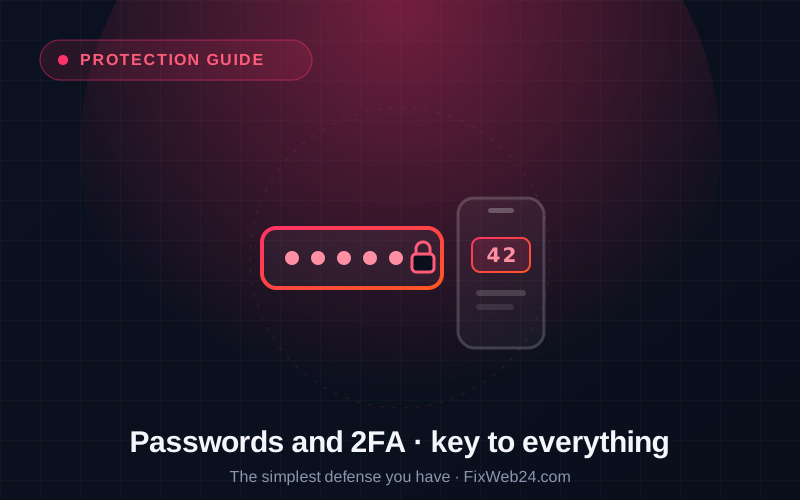
When we think of a site break-in, we picture a hacker in a hoodie and complicated attacks. The reality is far more mundane: a huge share of break-ins are simply a guessed or stolen password. Bots try to log in to panels around the clock, testing thousands of common passwords per second. "Company123!", "Admin2024", the dog's name, are a warm-up for them.
The good news: it is one of the easiest things to fix. Here is how to close that door.
Why a weak password is an invitation
Password attacks are automated and mass. A bot does not sit and think, it simply throws in a list of millions of the most common passwords and leaks from other services, until something works. That is why two qualities of a password matter:
- Length and randomness: a short, "sensible" password falls in seconds. A long, random one is practically unguessable.
- Uniqueness: a password used in several places at once is only as safe as the weakest service it leaked from. And leaks happen constantly.
The real problem is not that someone "cracks" your password with genius. It is that the same password already leaked from some shop or forum years ago, and a bot simply plugs it in.
A password manager: no more memorising
Nobody can remember dozens of long, random, unique passwords. And they do not have to. That is what a password manager is for, a program (e.g. Bitwarden, 1Password) that:
- generates strong, random passwords for you,
- stores them in an encrypted vault,
- fills them in automatically at login.
You remember one strong master password, and the program handles the rest. It is a single change of habit that genuinely raises the security of everything, not just the site, but also your email, bank and social media.
Two-factor login (2FA): the second bolt
Even the best password can leak. That is why there is a second layer: two-factor authentication (2FA). After entering the password, the system also asks for a one-time code, most often from an app on your phone (e.g. Google Authenticator, Authy).
The result: even if someone learns your password, without your phone they still cannot get in. It is like a second bolt on the door, the key to the lock alone is no longer enough. Enabling 2FA on the site panel usually takes a few minutes, and it eliminates a whole category of attacks.
A few rules to finish
- Do not use the "admin" account: it is the first name bots test.
- Everyone with access has their own account: do not share a single login, or you lose track of who does what.
- Limit login attempts: this blocks bots guessing passwords.
- Remove access when it is no longer needed: a former employee or contractor should not have a key forever.
The basics worth always having
Strong passwords and 2FA are the cheapest and most effective defence you have, they need no specialist knowledge or budget, and they close the most common route of a break-in. As part of caring for a site we help put this in order: strong login, 2FA and tidy access accounts.
Want to check whether access to your site is properly secured? Get in touch.