"This site is not secure", what to do when the SSL certificate expires
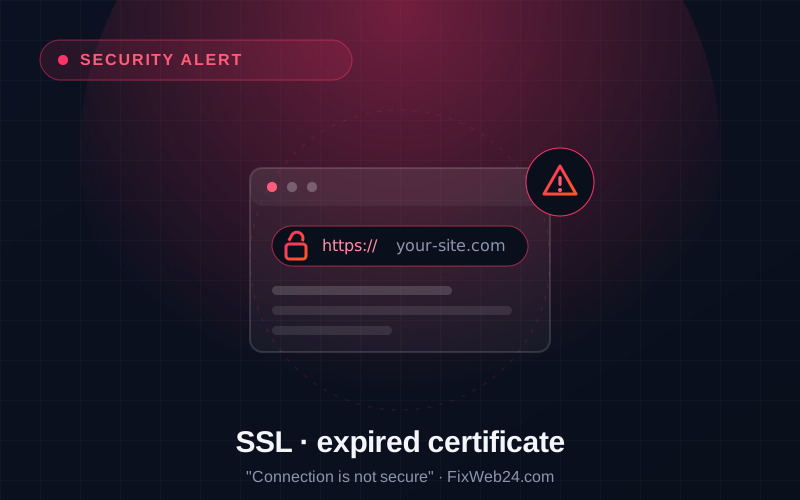
Imagine it: a customer types in your company's address and, instead of the site, sees a full-screen red warning, "Your connection is not private" or "This site is not secure". For most people that is a signal: get out of here. And your site has not been hacked at all, the SSL certificate has simply expired.
It is one of those problems that look alarming but have a trivial cause. It is worth understanding, because it catches many site owners off guard.
What an SSL certificate is and why it expires
An SSL certificate is what makes the address begin with https and a padlock appear. It is responsible for two things: it encrypts the connection between the visitor and the site (nobody along the way can see the data) and it confirms the site's identity.
Certificates, however, are valid for a set period, usually from 90 days to a year. After that they must be renewed. If renewal does not happen (because nobody remembered or the automation jammed), browsers start showing a warning and actually block entry to the site.
An expired certificate is not a break-in. It is like an ID card past its validity date, the document exists, but nobody honours it any more.
What happens when a certificate expires
- Visitors see a full-screen warning and have to consciously bypass it to enter, most will not.
- Trust drops: even if someone enters, "dangerous site" stays in their head.
- A shop loses sales: at payment, a warning is the end of the transaction.
- Google sees it: the lack of working HTTPS hurts your position in the results.
Why it happens at all
The most common causes: a certificate bought for a year that everyone forgot about; automatic renewal (e.g. Let's Encrypt) that stopped working for some reason; a hosting change during which the certificate did not "travel" with the site; or a configuration error. The common denominator is always the same, nobody kept an eye on it.
How to protect yourself once and for all
- Enable automatic renewal. Free Let's Encrypt certificates, available on most hosts, renew themselves every 90 days, provided the mechanism works correctly.
- Set a reminder with a margin. If you use a paid certificate, note the expiry date in your calendar with a reminder 2-3 weeks earlier.
- Monitor the validity date. Ideally someone (or a system) checks this for you and alerts you in advance, before a problem appears.
- Force HTTPS across the whole site, so no page loads over an unsecured connection.
This one is easy to take off your plate
A certificate's expiry date is a classic example of something you should not have to remember. As part of site care we watch the certificate's validity and warn you in advance, or simply renew it for you before anyone sees a red screen.
Want to be sure your certificate will not surprise you at the worst moment? Get in touch, we will check when it expires and whether it renews correctly.